
The most-asked-about part of AP Computer Science Principles (AP CSP) is the Create Performance Task: a through-course assessment where the student submits a program they built themselves. This guide summarizes the components, rules, and the points that most affect your score, from a teacher's perspective.
What is the Create Performance Task?
The Create Performance Task is where the student picks a programming problem, develops their own program, and documents it. Students are given 9 hours of in-class time to write the program, record a video of it running, and build the reference document. All components must be submitted as final through the AP Digital Portfolio by the deadline (April 30, 2026 for the 2026 administration).
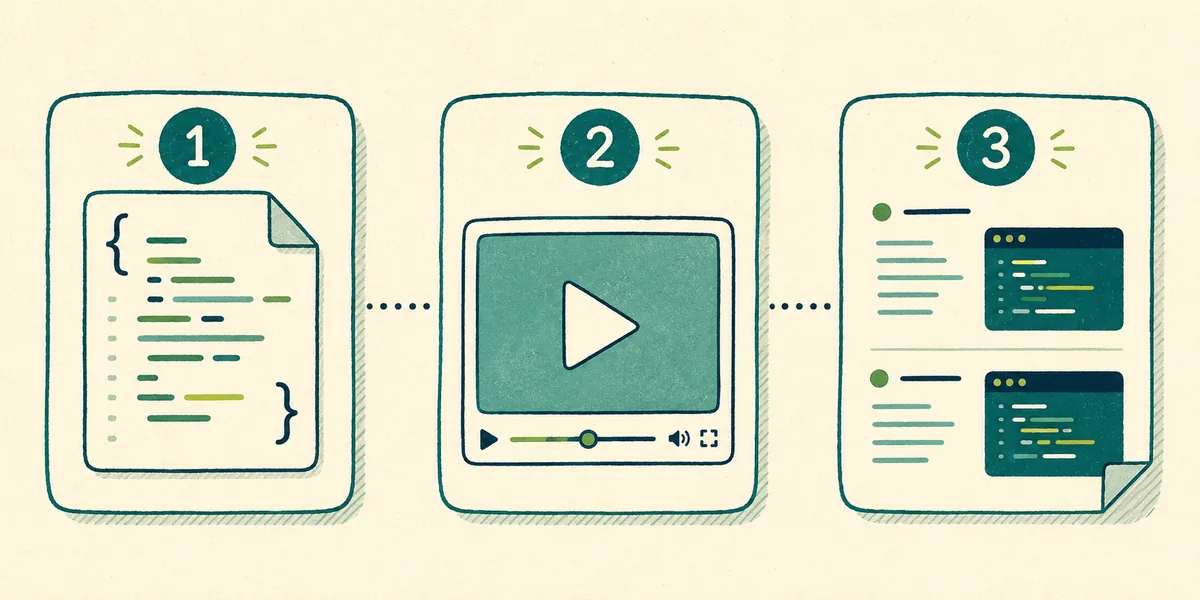
The three components
- Program Code: The full code of the program you developed.
- Video: A recording of your program running that clearly shows the input, the output, and the program's functionality.
- Personalized Project Reference (PPR): A personal reference document made of screen captures showing your list and your procedure. You use this document as a reference while answering questions about your own program on the exam.
Personalized Project Reference (PPR) rules
The PPR looks small but is where most mistakes happen. Watch out for:
- Use at least 10-point font in your application for the screen captures, and display the screen at 100%; small or blurry captures are unreadable.
- The PPR contains images of the code segments for your list and procedure.
- Critical: Do not include course content or code comments in the PPR. Doing so results in a score of 0 on the Create performance task.
- Submit each component as final before the deadline and attest to the originality of your work.
What should a strong program include?
The program that earns points isn't the flashiest: it's the one that clearly meets the rubric requirements. It should contain:
- A list or collection used in a meaningful way: not just declared, but actually used in how the program works.
- A procedure you developed that takes a parameter that affects its behavior.
- Use of selection and iteration inside that procedure.
- A call to that procedure within the program.
A simple program that meets these requirements cleanly scores higher than a complex but incomplete one.
Tips for the video
- Show that the program actually runs: give an input, show the processing and the output.
- Stay within the time and size limits; keep the screen clear and readable.
- No narration is required; what matters is that the functionality is visible.
Common mistakes
- Using small fonts or below-100% screen captures in the PPR.
- Adding comments or course content to the PPR (risk of a 0).
- Declaring a list but not using it meaningfully in the program.
- Writing a procedure with no parameter, or a parameter that doesn't affect behavior.
- Leaving the "final" submission of components to the last day.
30% of your score comes from here
The most overlooked thing about the Create Performance Task is its weight. The first of the five AP Computer Science Principles units is Creative Development, and the Create Task is that unit's take-home part. 30% of your exam score comes from here — before you ever walk into the exam room.
The practical consequence: in AP CSP, preparation is not only for exam day, it is for the project too. A student who studies for the multiple-choice section and leaves the project to the last week is putting a third of their score at risk.
Timeline: why March is critical
The project is given in March; you write and submit it after that. So the calendar has two separate peaks: the project in March, the exam in May. Squeezing both into the same weeks is the most repeated planning mistake in AP CSP.
An order that works:
- Settle your project idea before March — finding an idea takes longer than writing the code.
- Finish the code and the video in March; don't leave the PPR to the end — capture it as soon as the code is done.
- Don't leave the "final" submission to the last day.
- Once the project is submitted, give the remaining time to the multiple-choice section.
How to choose a project idea
The criterion for choosing an idea is not "make it impressive" — it is let it contain what the rubric asks for, naturally. The program must use a list (or a similar collection) and that list must do meaningful work; a procedure must take a parameter, and the parameter must genuinely affect behavior.
The ideas that satisfy this are usually the simple ones: a small program that stores a data set and filters or computes over it meets every rubric item naturally. A large, showy project usually eats the time and still fails to cover the rubric.
Frequently asked questions
What is the AP CSP Create Performance Task?
It is the in-class project component of AP CSP: you build your own program and submit the program code, a video, and a Personalized Project Reference (PPR).
What percentage of the AP CSP score is the Create Performance Task?
30% of the exam score. You earn it through the project, before entering the exam room.
When is the Create Task assigned?
The project is given in March, and the writing and submission process starts after that. Keeping it out of the same weeks as the May exam matters.
How do I choose an AP CSP Create Task project idea?
Choose a simple idea that naturally contains what the rubric asks for: a list used meaningfully, and a procedure with a parameter that genuinely affects behavior. A showy project eats time and still misses rubric items.
What are the most common PPR mistakes?
Using small fonts or below-100% screen captures, adding comments or course content to the PPR (risk of a 0), declaring a list without using it, and writing a procedure with no parameter.